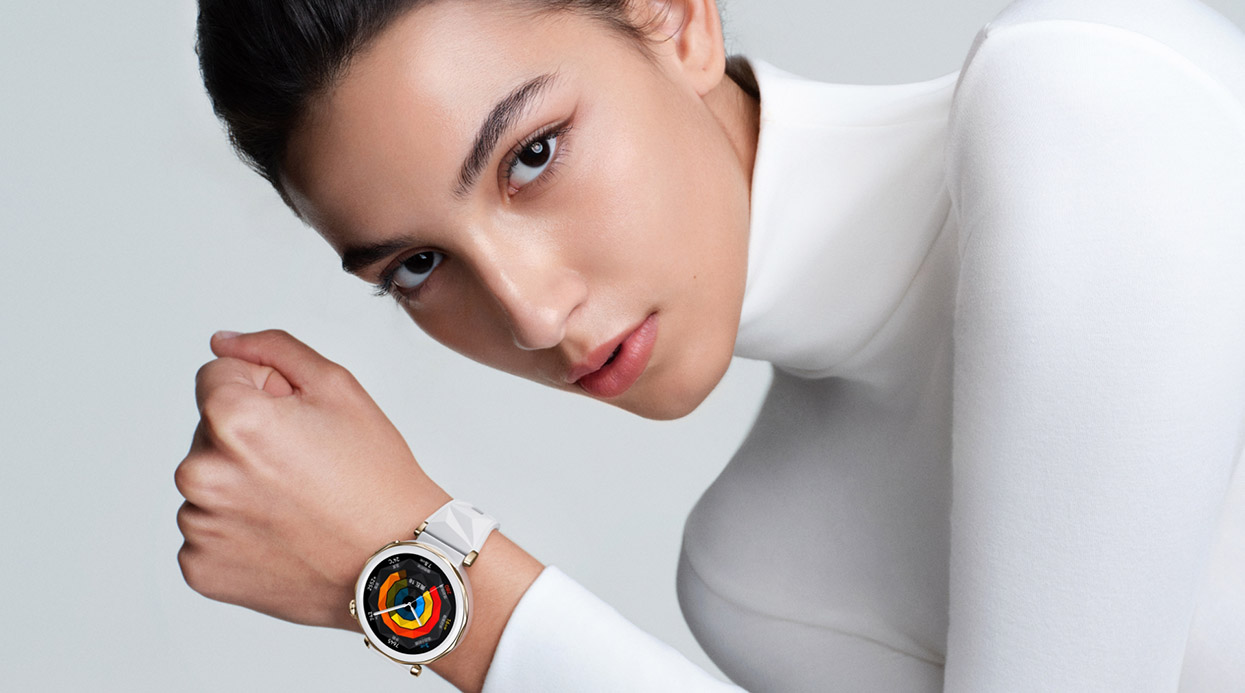
Many people first come into contact with smartwatches out of curiosity. When I first started wearing one, it was mainly to see if I could reduce how often I took out my phone or sneak a quick glance at messages during meetings. But as I used it more, I gradually realized that a smartwatch is no longer just a simple “notification relay.” It has become an “efficiency hub” that can greatly improve life efficiency, optimize time management, and even change daily habits.
By 2025, the latest generation of smartwatches has undergone comprehensive upgrades—from features, battery life, and user interaction to health monitoring and personalized recommendations. Today, I want to share my real experience on how I have truly integrated a smartwatch into my daily work, life, exercise, and health routines. I will also focus on several flagship smartwatches released in 2025—exploring the detailed optimizations they have made to enhance efficiency.
1. Smartwatches Are No Longer Just Phone Accessories
A few years ago, I also doubted the practicality of smartwatches. Receiving notifications, checking weather, and controlling music are convenient, but it all felt somewhat like “icing on the cake.” What changed my view was the experience of using Apple Watch, Galaxy Watch, and Huawei Watch GT series consecutively. Once you invest a little time in setup and adaptation, it no longer serves as just a reminder tool but becomes your smart life assistant.
2. Apple Watch Series 10: Seamless Coordination of Your Schedule
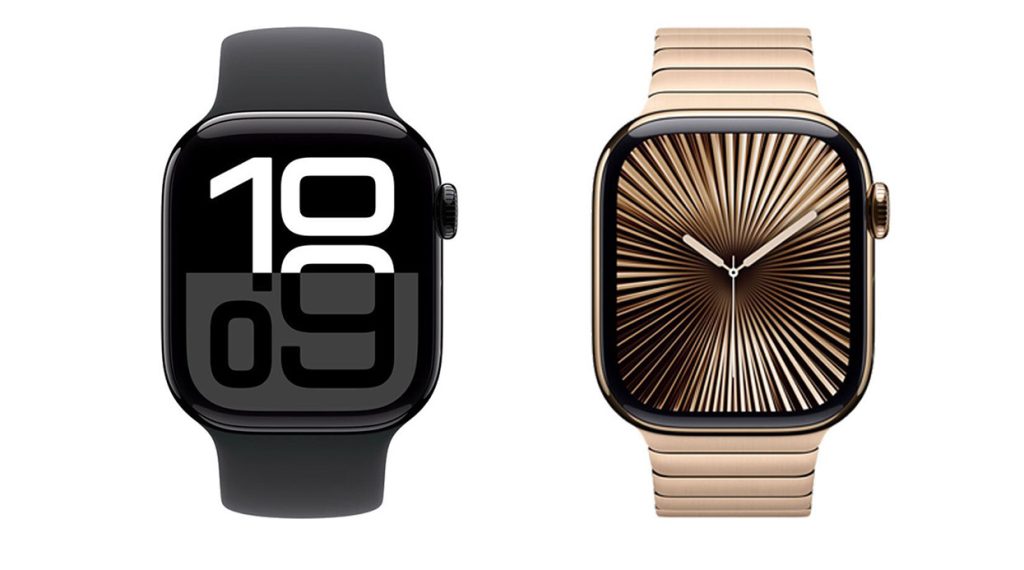
The Apple Watch has long been my go-to smartwatch. The 2025 Series 10 version significantly improves function and efficiency. Equipped with the new S10 chip, it controls power consumption better, extends battery life beyond 36 hours, and features a MicroLED screen with greatly enhanced sunlight readability.
Every morning, the Series 10 automatically displays a smart summary based on my schedule and the weather: temperature, upcoming meetings, and whether traffic might affect my commute. This simple card helps me plan my morning calmly.
More importantly, the Series 10 deepens collaboration with iPhone and Mac. With it, I can:
- Quickly input reminders via voice, syncing instantly to iCloud;
- Receive calendar notifications as gentle wrist taps, timely without interruption;
- Take short calls and reply to emails right on the watch—especially handy during workouts or when my phone isn’t accessible;
- Use the new “Focus Mode Switching” quick action to toggle notifications and interfaces among work, leisure, and exercise states.
Additionally, the new “Mood Tracking” and “Breathing Regulation” features help me relax briefly during stressful periods and refocus efficiently.
3. Samsung Galaxy Watch7 Ultra: Multi-Platform Collaboration and Efficiency Optimization
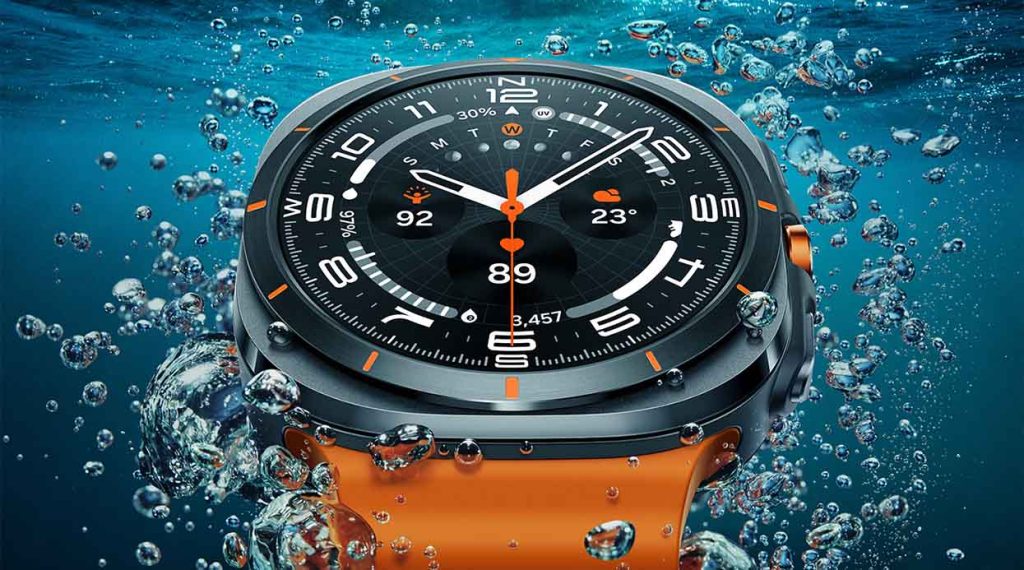
Samsung’s Galaxy Watch7 Ultra excels in efficiency-focused scenarios. Running Wear OS 5, it works smoothly with Galaxy phones and Windows PCs.
In daily work, I find it particularly practical:
- Deep sync with Samsung Notes and Calendar allows me to view, edit, and record voice memos directly on the watch;
- Notification reminders support icons plus voice repetition, ensuring I never miss critical tasks;
- A revamped UI intelligently groups notifications, preventing information overload from disrupting work flow;
- The built-in microphone and speaker enable voice replies on the go—while walking or cooking.
It also excels in meeting and health monitoring. For example, after scheduling meetings, it reminds me 15 minutes before and assesses whether I’ve been sitting too long or need to move. This human-centric reminder greatly enhances productivity.
4. Huawei Watch GT 5 Pro: High-Efficiency Tool with Long Battery Life
In daily use, Huawei’s Watch GT 5 Pro stands out for its endurance and independence. On business trips, I rely on it heavily to handle messages—it supports eSIM for standalone calls and texts, so even without a phone, I stay connected.
Its efficiency features include:
- Adaptive health reminders that adjust sedentary alerts based on your recent habits;
- Daily to-do lists synced via Huawei Calendar or Notes, letting me glance at plans right after waking up;
- Offline voice assistant lets me manage tasks and contacts without Wi-Fi;
- Multi-time zone synchronization automatically adjusts clock based on location during international travel, preventing missed meetings or dialing errors.
This greatly improves my mobile office experience.
5. Garmin Venu 3 Plus: The Perfect Blend of Efficiency and Health Management
Garmin is known for health tracking, but the Venu 3 Plus brings enhanced support for daily work efficiency. Its time-use statistics made me realize how much “wasted time” I had.
My favorite features include:
- Body energy tracking, estimating current energy levels from sleep, heart rate variability, and activity, helping me decide when to work or rest;
- All-day stress monitoring combined with breathing exercise reminders, especially useful after long meetings or intense work to prompt a 2-3 minute meditation;
- Voice calling, texting, and reminders can be handled independently from the phone, greatly enhancing the sense of efficiency;
- Precise Outlook calendar sync, so meeting alerts are always clear.
Garmin doesn’t emphasize system collaboration like Apple or Samsung but provides more objective, body-data-driven suggestions for managing daily rhythm and efficiency.
6. Daily Scenarios: 7 Habits I Use to Boost Efficiency with My Watch
Through long-term use, I’ve developed several habits that help me leverage my smartwatch every day:
- Check the “Daily Schedule Summary” card before getting up to quickly grasp tasks ahead;
- Use voice input for to-dos and idea notes during commutes without pulling out my phone;
- Meditate for 3 minutes before meetings to improve focus (most watches have guided breathing training);
- View notifications on the watch during meetings to reduce distractions;
- Reply to messages or make calls by voice while walking, freeing up my hands;
- Receive news and voice alerts during exercise, thinking on the move;
- Review “Body Report” and next-day reminders before sleep to prepare mentally.
These small practices save me at least 30 minutes daily from trivial operations.
7. What Is the Essence of Smartwatch Efficiency Improvement?
To me, the true efficiency gains from smartwatches boil down to three points:
- Lowering operation barriers: Access info and input content anytime without breaking current workflow;
- Smart push notifications: Deliver the right reminders at the right time, not mindless alerts;
- Multi-device collaboration: Not replacing the phone but extending its functions seamlessly, so efficiency isn’t limited by device.
These are no longer “future visions” but concrete realities in 2025 devices.
8. Purchase Recommendations and Accessory Suggestions
I personally bought and had good experiences with these on amazon.com:
- Apple Watch Series 10 (supports strap replacement + compatible with second-gen Pencil);
- Samsung Galaxy Watch7 Ultra (paired with Galaxy Buds 3 Pro for synced efficiency and audio);
- Huawei Watch GT 5 Pro (great for frequent travelers and cross-platform users);
- Garmin Venu 3 Plus (cost-effective choice focusing on health and efficiency).
To further boost efficiency, I recommend accessories like:
- Nomad Base One Max 3-in-1 Magnetic Charging Dock;
- Spigen Rugged Armor protective case;
- AirPods 4 or Galaxy Buds 3 Pro for quick audio device switching;
- iPad Pro or Samsung Tab S10 for dual-device management of “watch + tablet.”
9. Small Watch, Infinite Efficiency
By 2025, smartwatches are no longer just tech toys. They are time managers, efficiency assistants, health consultants, and rhythm guides for my life. Increasingly, I believe in today’s fast-paced, info-overload world, “how fast you are” is not the sole standard. What really matters is “how stable, precise, and thoughtfully the needed services are pushed.” That is the real key to efficiency.