In this fast-paced, information-driven world, smartphones and tablets have become an indispensable part of our daily lives. However, with the constant release of new devices, we often find ourselves upgrading to a newer model, leaving behind the old ones. These devices, though outdated, still contain a wealth of personal information and data. Improper disposal not only puts our privacy at risk but can also have a significant environmental impact. So, how should we safely dispose of old phones or tablets? Today, I’ll share some practical steps and tips to ensure that when disposing of your old devices, you not only protect your privacy but also adhere to eco-friendly practices.
1. Backup Your Data
First and foremost, before you decide to upgrade to a new phone or tablet, the most important step is to back up your data. After all, the photos, contacts, emails, documents, and app data on your device are all precious to you. If you dispose of or sell your old device without backing up your data, not only will you lose it, but there’s also a risk of your personal information falling into the wrong hands.
- How to Backup Your Data?
For iPhone users, you can back up your data via iCloud or iTunes. With iCloud, you can back up everything on your device to the cloud, making it easy to restore data onto your new phone. If you’re an Android user, you can back up your data through Google Drive, or you can use a USB cable to transfer your data to your computer for local storage.
After backing up your data, ensure that your new device is able to restore all the information successfully, and only proceed with further actions once you’ve confirmed everything is in place.
2. Disable Tracking Apps on Your Device
Many modern devices come with tracking functionalities, which can be very convenient for things like locating your phone when you lose it. However, these features also pose privacy risks. To ensure your old device is not tracking you or can be tracked by others, follow these steps:
- Turn Off Location Services: On your device, go to “Privacy” or “Location Services” in the settings, and turn off the tracking option. This will prevent any apps from tracking your location via GPS or Wi-Fi.
- Sign Out of Accounts: Most devices allow you to sign in using accounts like Google, Apple ID, or others. Make sure to sign out of all accounts, especially those linked to payments or personal information, such as App Store, iTunes, or Google Play accounts.
By doing this, you reduce the risk of someone using your old device to access your personal information or track your location.
3. Remove the Device from Your Accounts
Before giving your device to someone else, you need to remove it from all your accounts. This ensures that no data related to your personal account can be accessed from that device. Here’s how to remove the device from your accounts:
- For Apple Devices: Go to “Settings,” click on your Apple ID, and select “Devices.” From the list of devices, find the one you want to remove and delete it. This will disassociate the device from your Apple ID.
- For Android Devices: Open “Settings,” find “Accounts,” select your Google account, and remove the device.
Also, make sure to delete the device’s data from the cloud and unlink it from any third-party apps that might sync with it.
4. Completely Wipe Your Mobile Device
The most crucial step is to completely erase all the data on your device. Even though you might think the device is restored to its factory settings, some data may still be retrievable. To ensure complete deletion, follow these steps:
- Factory Reset: Both Android and iPhone users can find the option for “Factory Reset” in the settings. This will erase all your personal data and restore the device to its original state.
- Encrypt Your Data: Before wiping the device, it’s a good idea to encrypt it. Encryption ensures that even if someone attempts to recover the data, it will be unreadable. iPhones automatically encrypt data during factory resets, while Android users can enable encryption in their settings.
- Clear the SD Card: If your device uses an SD card, make sure to format it before disposing of the device. You can either format the card directly in the device settings or remove it and format it on your computer.
- Remove SIM and Storage Cards: After wiping the device, don’t forget to take out the SIM card and storage card. These cards hold personal data and should be kept with you.
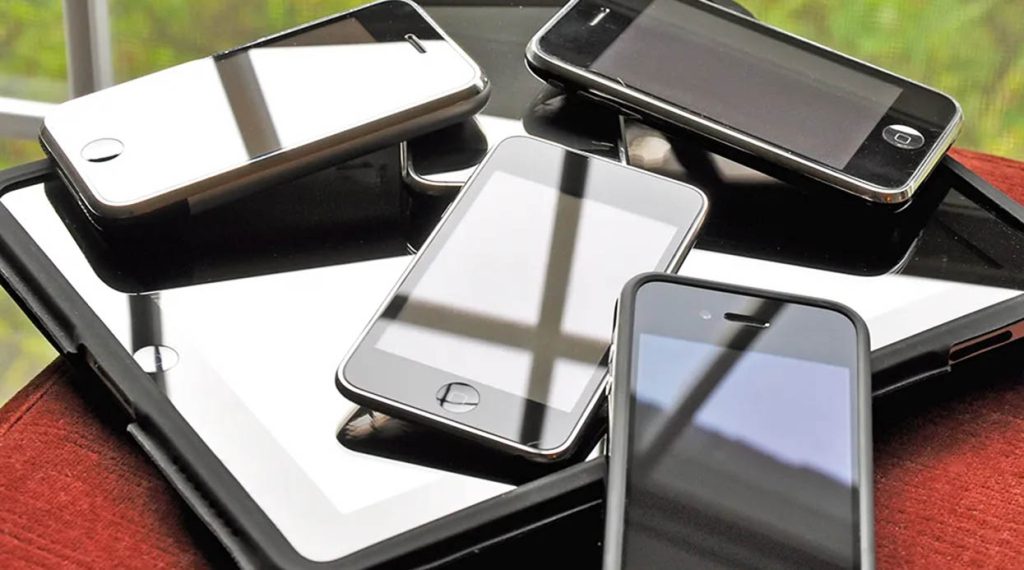
Once these steps are completed, you can safely dispose of your old phone or tablet, whether by selling it, donating it, or recycling it.
5. Eco-Friendly Recycling and Disposal
After ensuring all your data is wiped, the final step is to recycle your device in an environmentally friendly manner. To reduce electronic waste, we should always try to send our old devices to designated recycling centers instead of throwing them away. This not only helps reduce environmental pollution but also allows valuable materials to be reused.
Donate Your Old Device: If your device is still functioning properly, consider donating it to someone in need. Many organizations, such as schools, charities, or individuals in developing countries, accept used devices and repurpose them for further use.
Electronic Recycling Programs: Many brands offer device trade-in programs. For example, Apple’s “Trade In” program lets users hand in their old devices for recycling and receive discounts or credits. Additionally, there are third-party services that facilitate the recycling of electronic devices.
By recycling or donating your old devices, you contribute to the environment and help reduce the impact of electronic waste.
With the continuous evolution of technology, our dependency on smartphones and tablets continues to grow. The frequency of upgrading to newer models is also on the rise. In this context, how we dispose of our old devices—while ensuring privacy protection, data security, and environmental sustainability—is more important than ever.
When disposing of old devices, be sure to follow these five essential steps: backup your data, disable tracking apps, remove the device from accounts, wipe the data, and recycle or donate responsibly. This way, you not only safeguard your privacy but also make a positive impact on the environment.
Recommended Brands
To assist you in responsibly disposing of your old devices, here are two brands related to device recycling:
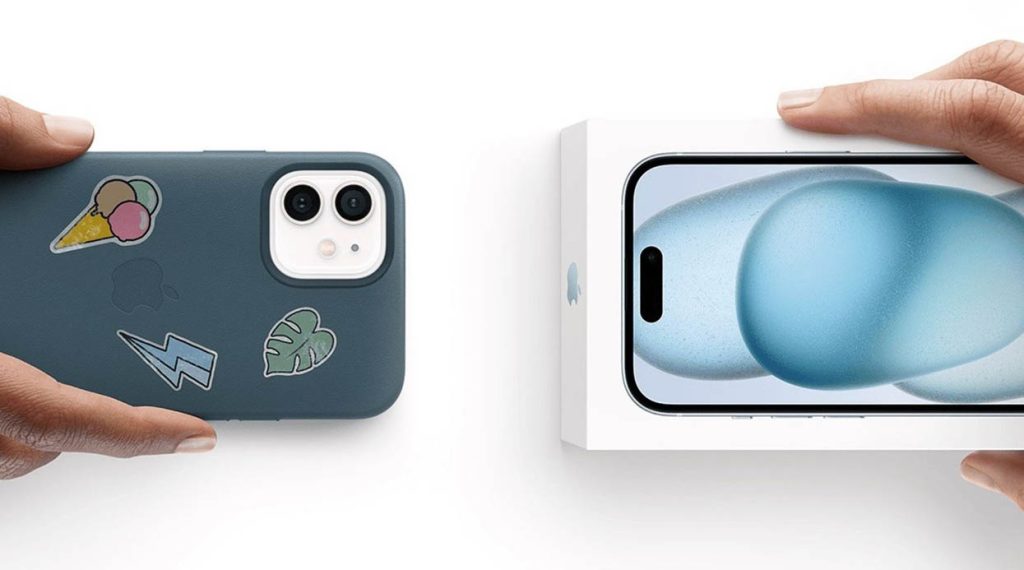
- Apple Trade In: Apple’s device trade-in program is convenient and offers a great opportunity to get discounts when exchanging your old device for a new one.
- EcoATM: A nationwide self-service machine for recycling old devices, providing you with cash or gift cards for your phones.
With these services, you can safely and responsibly dispose of your old phone or tablet, ensuring both privacy protection and environmental sustainability.